YouTube to MP3 Converter – Download YouTube Audio as MP3
To convert YouTube to MP3, paste the video link into the box below, choose MP3 from the format menu and press Download. The video’s thumbnail and a progress bar appear while it converts; when it’s done, press Download again to save the MP3. Play it offline on a phone, laptop, car stereo or any music player. There’s no account and no app, and it works the same way on Android, iPhone and desktop.
- Free, no sign-up
- Works on phone and desktop
- Nothing to install
Why Convert YouTube to MP3 Here
Plays on Everything
MP3 works on phones, laptops, smart speakers, car stereos and decade-old MP3 players.
Small, Portable Files
A typical song lands at a few megabytes, so a whole playlist fits comfortably on a phone or USB stick.
Works in Mobile Browsers
Convert from Safari on iPhone or Chrome on Android without installing an app.
No Sign-Up or Extensions
Nothing to register and nothing to install. If a site asks for a browser extension to continue, it isn’t this one.
How to Convert YouTube to MP3
Four quick steps, whether you start from the YouTube app or a desktop browser.
Copy the Link
In the YouTube app tap Share, then Copy link. On a computer, copy the address from the browser bar. YouTube Music links work too.
Paste It Into the Box
Paste the link into the field above, then pick MP3, the first option in the format menu next to it.
Press Download
A card with the video thumbnail and title appears, and its button fills up as the MP3 is prepared.
Save the MP3
When the button says Download, tap it. On iPhone the file goes to the Files app, and on Android it lands in Downloads.
When an MP3 Copy Makes Sense
Streaming is convenient until you lose signal. An MP3 is a plain file that you control: it plays on a flight, in an underground train, at the gym or in a car with no mobile data, and it doesn’t depend on any app staying installed.
This YouTube to MP3 converter is built for exactly that kind of everyday listening: lectures and language lessons to replay on a walk, podcasts that only exist on YouTube, or your own band’s uploads that you want in a regular music library.
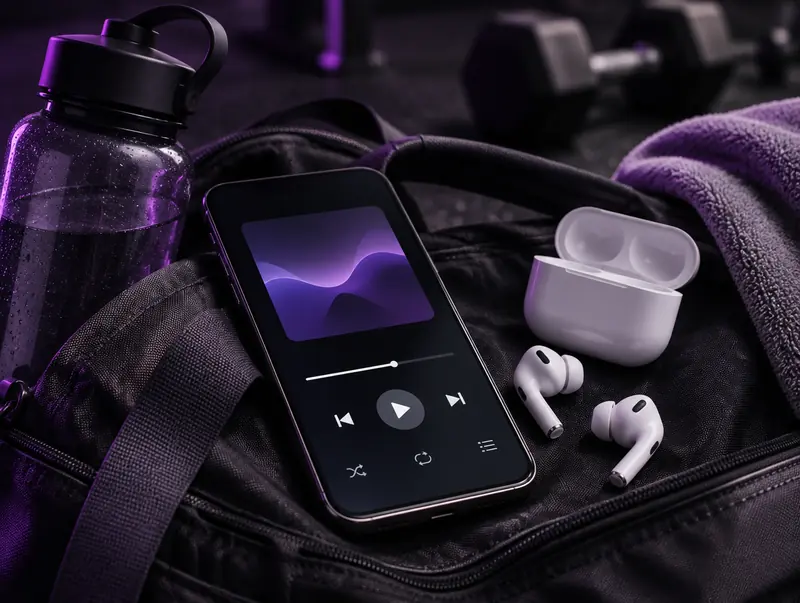
Offline Audio for Workouts and Commutes
Nothing kills a set like a buffering playlist. Converting your workout mixes to MP3 ahead of time means they play instantly from local storage, even in a basement gym with no reception.
Most phone music players, including VLC and the built-in players on Android, pick up MP3s from the Downloads folder automatically. On iPhone, you can play them straight from the Files app or add them to a local-files music app.
What MP3 Bitrate Numbers Really Mean
Many converters advertise 320 kbps as if it guarantees better sound. It doesn’t. YouTube’s own audio is usually AAC at around 128 kbps or Opus at up to roughly 160 kbps, so an MP3 can never contain more detail than that, whatever number appears on a button.
A higher MP3 bitrate only reduces the small extra loss that comes from converting one compressed format into another. That’s why this tool chooses a sensible setting automatically instead of offering numbers that look impressive but change nothing you can hear.
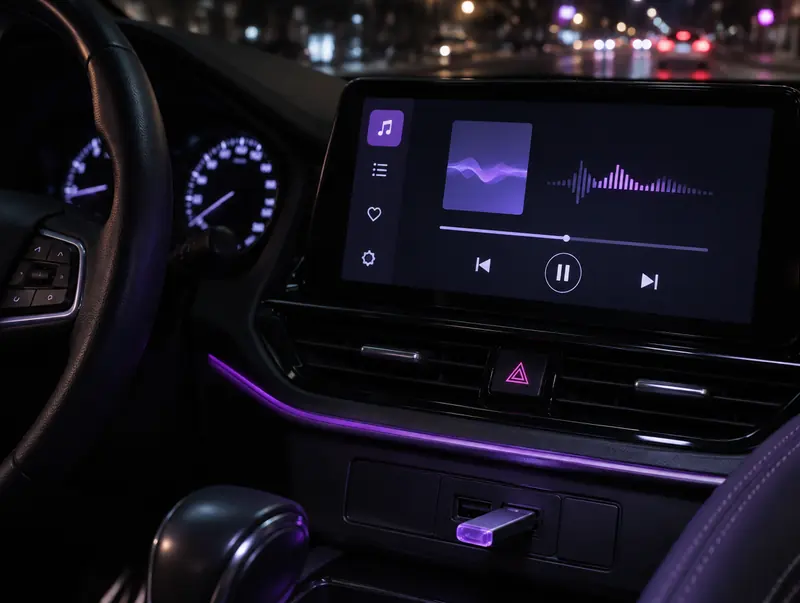
Putting MP3s on a Car Stereo or USB Stick
Car head units are often fussier than phones. Format the USB stick as FAT32, which almost every car reads, keep files in a few simple folders, and avoid unusual characters in file names, since some older stereos show them as question marks or skip the file entirely.
MP3 is the one format virtually every car stereo from the last twenty years supports, which is why it’s the safest choice for driving even if your phone prefers M4A.
Getting the Best Sound Out of a YouTube MP3
The converter can only work with what the uploader gave YouTube, so a little care before you paste a link goes a long way.
Start With the Cleanest Upload
Official artist channels and the auto-generated Topic channels that YouTube creates for many releases usually carry audio supplied by the label. They tend to sound noticeably better than fan uploads, which have often been ripped, edited and re-uploaded several times.
Skip Lyric Videos and Sped-Up Edits
Lyric videos, nightcore edits and slowed versions are often re-encoded copies of copies. If you want the original song, look for the official audio or music video first.
Even Out the Volume
Songs from different channels can vary a lot in loudness. Most music players have a volume-levelling option, often called ReplayGain or Sound Check, that stops one track from jumping out of a playlist.
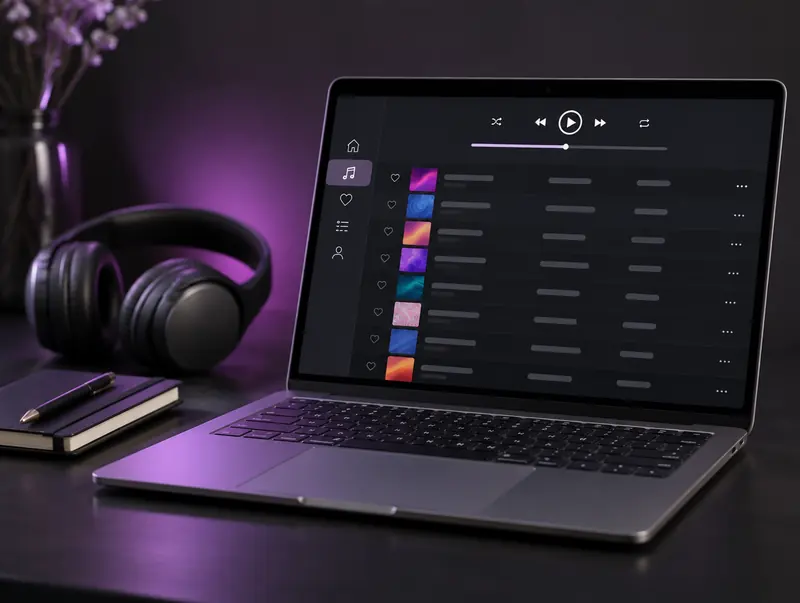
Turning MP3 Downloads Into a Proper Music Library
YouTube titles rarely look good in a music app. A name like Artist – Song (Official Video) [HD] is far easier to scan once you rename it to Artist – Song, and keeping one folder per artist makes it simple to copy music between devices.
Because YouTube videos don’t carry album tags, a new MP3 may show up with no artist or artwork. Free editors such as Mp3tag on Windows, Kid3 on Mac and Linux, or MusicBrainz Picard can fill in the details in batches and attach cover art, so your downloads sit neatly next to the rest of your collection.
Staying Safe on YouTube to MP3 Sites
Converter sites have a mixed reputation, and much of it is deserved. Watch out for pages that hide the real download behind several flashing buttons, ask you to install a browser extension, or request notification permissions the moment you arrive. None of that is needed to convert a video.
Here, all you need is the link field, the format menu and the Download button. The file you get is audio ending in .mp3. If any site ever hands you an .exe or a .zip instead, delete it without opening it.
How Big Is an MP3 From YouTube?
File size depends only on bitrate and length, so it’s easy to plan ahead. Here’s what to expect at the common MP3 bitrates. The converter picks its own setting, so treat these as a range rather than an exact figure.
| Bitrate | Per minute | 4-minute song | 1-hour podcast |
|---|---|---|---|
| 128 kbps | about 1 MB | about 3.8 MB | about 58 MB |
| 192 kbps | about 1.4 MB | about 5.8 MB | about 86 MB |
| 256 kbps | about 1.9 MB | about 7.7 MB | about 115 MB |
| 320 kbps | about 2.4 MB | about 9.6 MB | about 144 MB |
When a YouTube to MP3 Conversion Gets Stuck
Most conversions finish in under a minute, and the progress bar shows each stage as it happens. If the bar stops moving for several minutes, refresh the page, paste the link again and start over. Very long videos simply take longer, so give a two-hour mix more time than a three-minute single.
If the converter reports an error straight away, the video is usually private, members-only, age-restricted, blocked in some countries or still live. Open the link in a private browser window: if YouTube asks you to sign in or shows a warning, the converter can’t reach it either. And if the download button opens a player instead of saving the file, use the browser’s three-dot menu or a long-press and choose Download.
MP3 or a Different Format?
MP3 wins on compatibility. If you only use Apple devices, the M4A format sounds slightly cleaner at the same size. For the smallest files, especially for speech, try the Opus converter. And if you plan to edit or remix the audio, download uncompressed WAV so you aren’t compressing it twice.
Respect creators: Only convert videos you own, have permission to use, or that are licensed for reuse, such as Creative Commons. Don’t redistribute or publish copyrighted content without the rights holder’s permission.
YouTube to MP3 FAQ
What bitrate will my MP3 be?
The converter picks the encoding settings automatically, so there’s nothing to choose. The result sounds as good as YouTube’s source allows on headphones, phone speakers and car stereos.
How much space do MP3s take?
Roughly 1 to 2.5 MB per minute, depending on the bitrate. A typical song is a few megabytes, and a one-hour talk usually comes in somewhere between 60 and 150 MB.
Can I download a whole playlist as MP3?
No, the converter works one video at a time. If you paste a link that includes both a video and a playlist, only that video is converted, so open each video you want separately.
Where does the MP3 go on my iPhone?
When you download in Safari, the file is saved to the Files app, normally in the Downloads folder. You can play it there, or share it to another music app.
Do YouTube Music links work?
Yes. A link to a song on YouTube Music contains the same video ID as a regular YouTube link, so paste it in and it converts like any other video.
Is using a YouTube to MP3 converter legal?
Converting your own videos or content you have permission to use is generally fine. YouTube’s terms don’t allow downloading copyrighted material without the owner’s consent, so respect the creator’s rights.
Why did my MP3 conversion stop or fail?
Usually the link points to a private, age-restricted or removed video, or a live stream that hasn’t finished. Check the video plays in a signed-out browser window, then wait a minute and try again.
Can I convert YouTube to MP3 on Android without an app?
Yes. Open this page in Chrome or another mobile browser, paste the link and convert. The MP3 saves to your Downloads folder, and music apps such as VLC pick it up automatically.
Can I turn a YouTube Short into an MP3?
Yes. Tap Share on the Short, copy the link and paste it here. Shorts convert exactly like regular videos and give you a small MP3 of the clip’s audio.
Which YouTube links can I paste?
Standard watch links, youtu.be short links, mobile m.youtube.com links, YouTube Music links, Shorts, embed links and finished live streams all work. Links with a timestamp such as ?t=90 are fine too; the whole video is converted.